
A Screen You Can Touch Is Not Always a Better Interface
A Screen You Can Touch Is Not Always a Better Interface
Apple has crossed a boundary. Whether it has solved a problem is another matter. According to Dezeen’s report of 30 October 2026, the company has revealed its first touchscreen MacBook Pro, accompanied by the claim that it offers “the world’s best laptop display”. That superlative concerns the screen. The more consequential question concerns the person sitting in front of it.
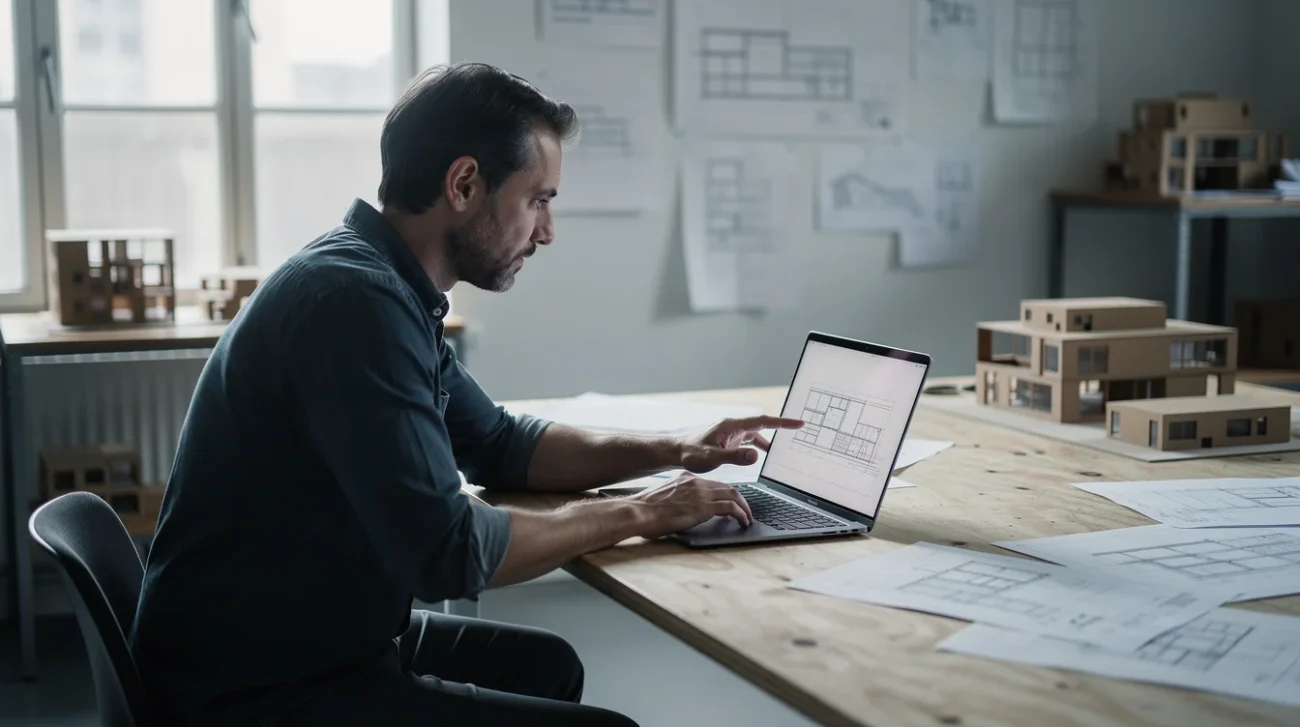
A laptop display is not simply an image surface awaiting another capability. It occupies a particular position relative to a keyboard, a desk and a body. Making that surface touch-sensitive changes what the hand can do without necessarily changing where the shoulder must go. A more capable component can still produce a less coherent working arrangement.
For architects, graphic designers and image-makers, the attraction is obvious: reach towards the work rather than steer towards it. But creative work alternates between broad gestures and exact decisions, between arranging and specifying. Those are not interchangeable activities.
The test is not whether touch adds possibilities. It is whether the interface knows when those possibilities belong. Otherwise, a third input method becomes a third negotiation: should this action happen on the keyboard, the trackpad or the glass? The same question applies to a smarter home that still needs someone to run it: added capability should reduce the user’s burden, not merely redistribute it.
Direct manipulation earns its place through the task
Computer scientist Ben Shneiderman’s account of direct manipulation emphasised visible objects, rapid feedback and incremental, reversible action. Touch can support those principles, but it does not own them. Dragging a rectangle with a mouse is already direct manipulation; pressing a screen button that triggers an opaque process is not automatically more intelligible.
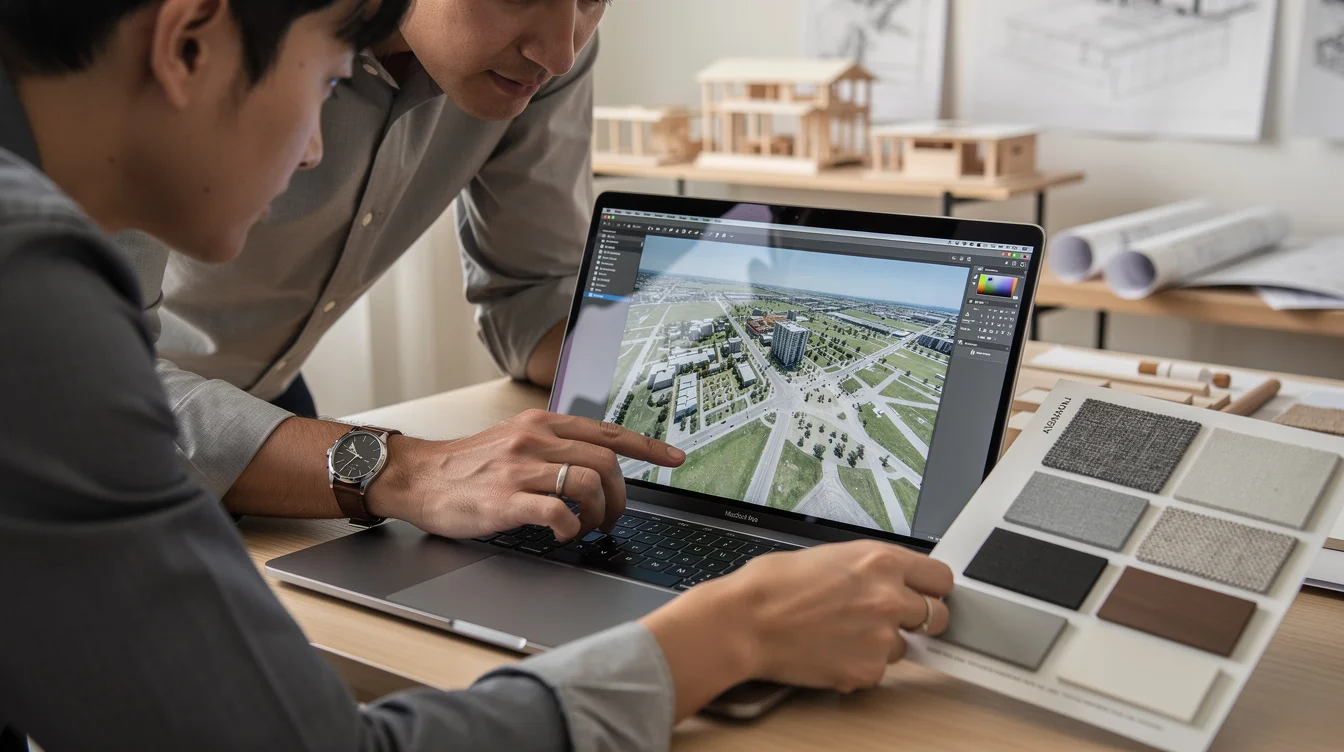
Touch is most persuasive when the object is large, the action spatial and the consequence easy to reverse. Imagine an architect reviewing a presentation board with a colleague: moving a reference photograph, enlarging a site image or selecting one of three massing options. A brief reach can replace the awkward ritual of locating a cursor before indicating something already in view.
In a Photoshop composition, broad canvas navigation could similarly benefit from touch if the application handles it consistently. In a Figma review, selecting a large frame could make conversation more fluid. These are examples of tasks worth designing for, not claims about confirmed software support on the new MacBook.
The distinction matters. Touch helps here because it shortens the distance between intention and a legible result. It does not help merely because a finger has replaced a cursor. A meaningful shortcut removes a decision; a novelty gesture adds one.
The laptop hinge is an ergonomic argument
The conventional clamshell makes a bargain: the display rises towards the eyes while the keyboard remains beneath the hands. Touch asks the hands to visit the territory reserved for vision. For an occasional tap, that is unremarkable. For sustained editing, it becomes a different bodily demand.
Consider adjusting a sequence of control points in an architectural elevation. With a trackpad or mouse, the forearm can remain supported. On an upright screen, repeated reaching requires the arm to leave that resting position; the hand can also obscure the detail being edited. A larger target helps selection but does not bring the display closer.
Microsoft’s Surface Studio made this conflict explicit through a display that lowered towards the desk. Wacom’s Cintiq family likewise treats screen angle and pen input as part of a drawing arrangement. Neither is proof that every computer should become a drafting table. Both demonstrate that direct interaction has physical consequences which hardware can acknowledge.
The supplied announcement context does not establish the new MacBook’s hinge behaviour, stylus support or application-level touch adaptations. Those details should not be invented. But any touchscreen operating in a conventional upright laptop position inherits the same challenge: accessibility to the finger is not the same thing as suitability for sustained handwork.
Creative work is not one continuous gesture
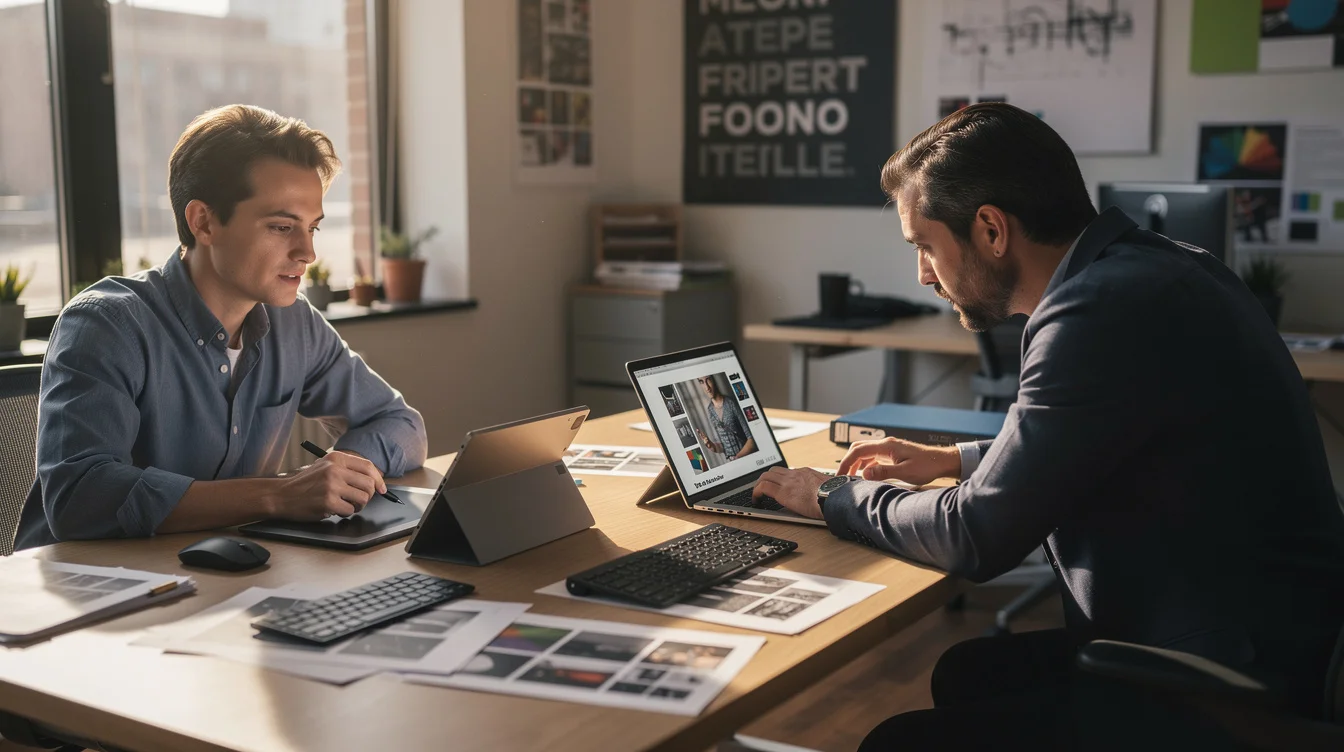
The phrase “creative workflow” conceals radically different demands. A designer sorting material samples is not performing the same operation as a designer entering a dimension. An illustrator blocking out a silhouette is not doing the same work as an illustrator correcting its edge.
Take a Rhino modelling session. Orbiting a model might plausibly benefit from a well-designed touch gesture. Selecting a crowded curve intersection is another proposition. Entering an exact offset still belongs naturally to a numerical field and keyboard. The problem is not that multiple tools exist; professional practice has always involved switching tools. The problem is switching without a reliable rule.
Procreate on iPad offers a useful reference because its pen-and-touch approach gives different inputs recognisable responsibilities. It is not evidence that any desktop application becomes equally coherent when its display gains a touch sensor. A mature interaction model is designed across gestures, controls, feedback and error recovery.
A productive MacBook arrangement might reserve touch for occasional navigation or review while retaining keyboard shortcuts and pointer precision for production. That division would be a strength, not an admission of failure. Touch does not need to replace the trackpad to justify itself. It needs a job clear enough that the user stops auditioning it.
More choice can conceal unfinished design
Don Norman’s distinction between what an object permits and what it communicates is useful here. A screen may permit touching without communicating which elements welcome it. Desktop menus, narrow timeline handles and tightly packed layer controls often assume a precise pointer. Making them respond to fingers does not resolve that assumption.
Suppose a video editor touches a timeline clip. Does the gesture select it, move it, scrub playback or begin a range selection? Context can settle that question, but only if the context is apparent. Otherwise the user learns through unwanted edits. Undo becomes compensation for an interaction model that failed to explain itself.
Enlarging every control is not an innocent solution either. Dense interfaces support comparison: multiple tracks, layers, properties and views visible at once. Inflate the targets and the application may demand more scrolling, more panels or more mode changes. The cost migrates elsewhere.
Apple’s earlier Touch Bar is a relevant warning, not because this screen repeats its hardware, but because contextual controls must earn attention against established habits. A changing surface can be powerful; it can also require repeated visual checking. Optionality is not automatically generosity. Sometimes it is the manufacturer declining to decide how the product should work.
Judge the transition, not the demonstration
The persuasive demonstration will be easy: a hand reaches forward, an image moves, the room recognises the gesture. The useful evaluation begins afterwards. Can someone continue working without reorganising their posture? Do keyboard shortcuts remain available? Can a touch action end cleanly and a pointer action begin without surprise?
A serious trial should include distinct tasks: reviewing an architectural presentation, refining a vector drawing and editing a layered image. Compare accidental selections, correction effort, task completion and reported comfort. Watch where users hesitate between inputs. A feature that feels delightful for thirty seconds may still be unwelcome across repeated production cycles.
Accessibility also resists the launch-event narrative. Touch may help people who find pointer steering difficult, while reaching or precise finger targeting may exclude others. Equivalent keyboard and pointer routes remain essential. The goal is not to appoint a universally superior input but to prevent one person’s new capability from becoming another person’s requirement. As with app-mediated access to public toilets, an extra interface should not become a barrier to an essential function.
The touchscreen MacBook should therefore be judged neither as overdue progress nor as inevitable ergonomic folly. It deserves a sharper standard: does it make particular actions easier while preserving the coherence of the whole? A better interface does not maximise the number of ways to act. It makes the appropriate way feel evident.
FAQ
When does touch genuinely improve creative work?
It is most useful for brief, spatial actions involving large targets: reviewing images, navigating a canvas or selecting presentation options. The benefit depends on predictable feedback and easy reversal, rather than touch sensitivity alone.
Why can a touchscreen laptop be uncomfortable?
An upright laptop screen requires the hand to reach away from its supported working position. Occasional taps may be convenient, but repeated screen interaction can place greater demands on the arm and shoulder. Screen angle, desk setup and task duration matter.
Does the new MacBook replace a drawing tablet?
That cannot be concluded from the supplied announcement context. A drawing-tablet comparison requires confirmed information about stylus support, pressure response, palm rejection, software behaviour and working angle. Finger touch alone does not establish equivalent drawing capability.
What should designers demand from touch-enabled desktop software?
Clear roles for each input, appropriately sized targets, predictable gestures and smooth transitions between touch, pointer and keyboard. Essential actions should remain available without touch, and adapting controls should not unnecessarily sacrifice useful information density.
If your next laptop offers three ways to perform the same action, is that creative freedom—or unfinished design asking you to complete it?
Get the Mainifesto weekly — curated design debates, speculative ideas and the week's best articles every Saturday.
Editorial Perspectives
Questions and counterpoints developed by the Mainifesto editorial desk to extend the discussion.
Perspective 1
Let me rotate a model with my fingers and refine it with a trackpad—that’s a useful break from laptop convention. But a touchscreen earns its materials and repair costs only if it improves the work, not just the showroom demo.
Perspective 2
Touch could make a laptop feel more like an instrument, especially for artists who build work through gesture. But pinching a canvas isn’t automatically a creative breakthrough; show me what becomes possible, not another way to press the same button.
Perspective 3
Three ways to do the same thing can be useful in a fabrication studio, where people move between drawings, models and machines. It becomes unfinished design when every application invents its own rules and the user has to keep translating. On a shared workstation, that confusion becomes a training cost.